
Webinar
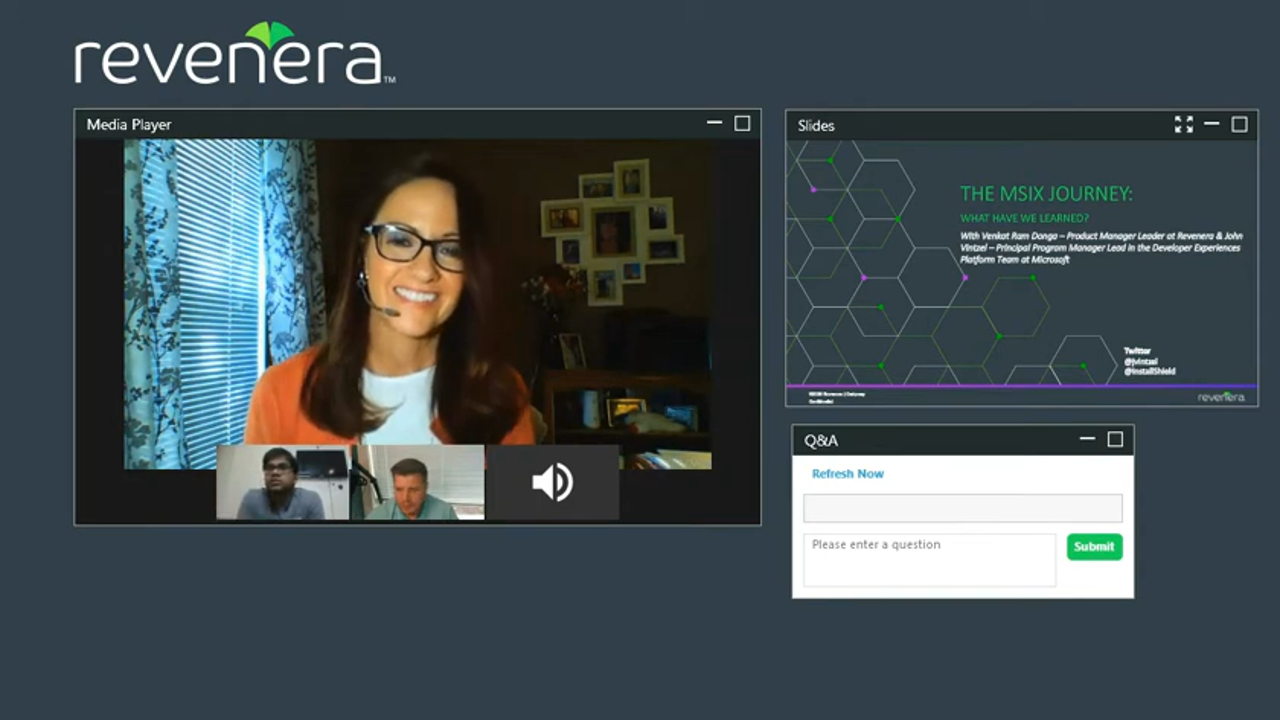
The MSIX Journey: What Have We Learned?
Discover how MSIX transforms software deployment with cleaner installs, better security, and enterprise-ready packaging.
Original Air Date: November 13, 2020
Overview
If you're a software producer navigating the complexities of modern application deployment, this webinar is your roadmap to mastering MSIX. Join industry experts John Vintzel, Principal Program Manager at Microsoft, and Venkat, Product Management Leader at Revenera, as they unpack the evolution of software packaging—from the early days of setup.exe and MSI to the transformative capabilities of MSIX.
In this engaging session, you’ll gain firsthand insights into how MSIX simplifies packaging, ensures clean uninstalls, and enhances security through mandatory code signing and containerization. Discover how modification packages open new possibilities for modular development and plugin delivery, and learn how the Package Support Framework (PSF) helps overcome runtime challenges without code changes.
Whether you're building for enterprise environments or distributing commercial software, this webinar reveals how MSIX can streamline your deployment process, reduce support overhead, and future-proof your applications. You'll also hear real-world adoption stories, get clarity on licensing and Windows 7 support, and explore what’s next in the MSIX roadmap—including shared containers and open-source tooling.
Don’t miss this opportunity to learn from the teams shaping the future of Windows application deployment.
Recap
Key Themes and Takeaways
The Evolution of Software Packaging
The webinar opens with a historical overview of software installation methods, tracing the journey from setup.exe files to MSI and now MSIX. The discussion highlights how early installers lacked standardization, often causing conflicts and system instability. MSI brought structure but eventually became bloated with custom actions, leading to the need for a more modern, reliable solution—MSIX.
Why MSIX Was Created
MSIX was designed to combine the best aspects of previous technologies like MSI, App-V, and AppX, while addressing their limitations. The format introduces containerization, declarative installs, and clean uninstalls, making it easier for developers and IT teams to manage applications across devices and environments.
Security Advantages of MSIX
Security is a core benefit of MSIX. All packages must be digitally signed, ensuring trust and authenticity. The use of block maps and periodic integrity checks prevents tampering and unauthorized file changes, offering a more secure deployment model compared to legacy installers.
Simplified Packaging and Conversion
MSIX streamlines the packaging process with a single manifest file and declarative structure, reducing complexity and improving reliability. The ease of converting existing MSI packages to MSIX was emphasized as a major win for software producers looking to modernize without starting from scratch.
Overcoming Compatibility Challenges with PSF
The Package Support Framework (PSF) was introduced as a solution for runtime issues that arise during repackaging. PSF allows developers to apply targeted fixes without modifying source code, making it a critical tool for enterprise adoption and legacy app support.
Modification Packages for Modular Development
Modification packages were highlighted as a powerful feature for delivering plugins and extensions. Unlike traditional transform files, they support modular programming and enable software vendors to offer flexible, scalable solutions tailored to enterprise needs.
Enterprise Benefits and Adoption Trends
MSIX offers enterprises improved reliability, simplified updates, and clean uninstalls. The webinar addressed common concerns such as Windows 7 support and licensing, and showcased how MSIX Core and open-source initiatives are helping bridge gaps for older platforms.
Roadmap and Future Enhancements
The session concluded with a look ahead at upcoming MSIX features, including shared containers for app interoperability, enhanced update mechanisms for non-store apps, and deeper integration with Windows Virtual Desktop. These developments aim to further simplify deployment and expand MSIX’s capabilities across diverse environments.
Speakers

Venkat Ram Donga
Director, Product Management
Revenera

John Vintzel
Principal Program Manager
Microsoft
Frequently Asked Questions
MSIX is Microsoft’s modern packaging format that combines the best features of MSI, App-V, and AppX. It simplifies deployment by using a declarative manifest, ensuring clean installs and uninstalls. MSIX also supports containerization, which isolates applications and reduces system conflicts. This format is ideal for both enterprise and commercial software distribution.
MSIX requires all packages to be digitally signed, ensuring that only trusted applications are installed. It uses block maps to verify file integrity and prevent tampering during deployment. Additionally, MSIX can detect and remediate unauthorized changes post-installation. These features make it a secure choice for enterprise environments.
Yes, MSIX supports conversion from traditional MSI and EXE installers. The process is streamlined using tools like the MSIX Packaging Tool, which helps repackage legacy applications without rewriting code. This allows software producers to modernize their deployment workflows while maintaining compatibility with existing systems.
The Package Support Framework (PSF) helps resolve runtime issues that may occur when converting legacy apps to MSIX. It uses Windows Detours to redirect problematic calls without modifying the original code. PSF is essential for ensuring compatibility and smooth operation of repackaged applications in enterprise environments.
MSIX supports seamless updates through its identity and manifest structure. Applications can be updated without requiring full reinstalls, and the platform ensures version consistency. Microsoft is also enhancing support for updates outside the Microsoft Store, making it easier for developers to manage releases through their own channels.
Modification packages allow developers to extend or customize base applications without altering the original package. They are ideal for delivering plugins, extensions, or enterprise-specific configurations. This modular approach supports modern development practices and simplifies maintenance across different environments.
While MSIX is primarily designed for Windows 10 and later, MSIX Core provides limited support for Windows 7 and 8.1. This allows software producers to deploy MSIX packages on older systems using a runtime redistributable. However, most new features and full support are focused on modern Windows platforms.
Yes, MSIX is supported by Microsoft Intune and Autopilot for enterprise deployments. It integrates with existing management workflows and offers reliable installation and update mechanisms. Developers should consult Microsoft’s documentation for best practices when deploying MSIX alongside other formats like Win32 apps.
MSIX does not support custom actions or device drivers within the package, which were common in MSI. This is intentional to improve reliability and security. Instead, MSIX offers declarative installs and supports PowerShell scripts for enterprise scenarios, reducing the risk of system instability caused by arbitrary code execution.
MSIX offers a future-proof solution for software deployment with benefits like simplified packaging, enhanced security, and clean uninstalls. As enterprises increasingly adopt Windows 10 and virtual desktop environments, MSIX provides a consistent and reliable way to deliver applications. Its open-source components and growing ecosystem make it a strategic choice for modern software development.
Resources
Data Sheet
InstallShield 2025
Build Seamlessly in the Cloud with InstallShield Licensing Capabilities
Data Sheet
Compare InstallShield Versions
Compare features by the latest releases.
Webinar
Enabling Successful Software Installs with New Digital Signing Standards
Register for the upcoming webinar and be better equipped you with the knowledge and tools necessary to navigate changes to digital signing standards effectively for a seamless installation experience.
Data Sheet
Cloud License Server with InstallShield
Get your questions answered about how to eliminate the time and effort required to set up and manage local License Servers. Easily configure your builds from the DevOps build pipeline with InstallShield’s Cloud License Server.
Online Event
“Unpacking MSIX”: Panel Discussion
Watch this roundtable discussion to learn more about how developers can retain as much code as possible as they continue to innovate and modernize applications.
Webinar
TechTalk: InstallShield “Suite” Secrets
In this TechTalk you’ll learn about Suite, a project type within InstallShield, and how it resolves the problem of installing multiple packages, learn how Windows features in Suite works, and how secure it is to send packages via an installer.
Want to learn more?
Whether you are an existing customer needing assistance, or new to Revenera's Software Installation solutions, we are happy to help out with your Installation needs.